Manage all your team's work
from one place
Executive Assistant centralizes tasks, projects, notes, Gmail, Google Calendar, AI and notifications — all in one fast, bilingual, mobile-installable app.
Access the app → 🎓 Watch tutorialsSecure access with Admin and User roles
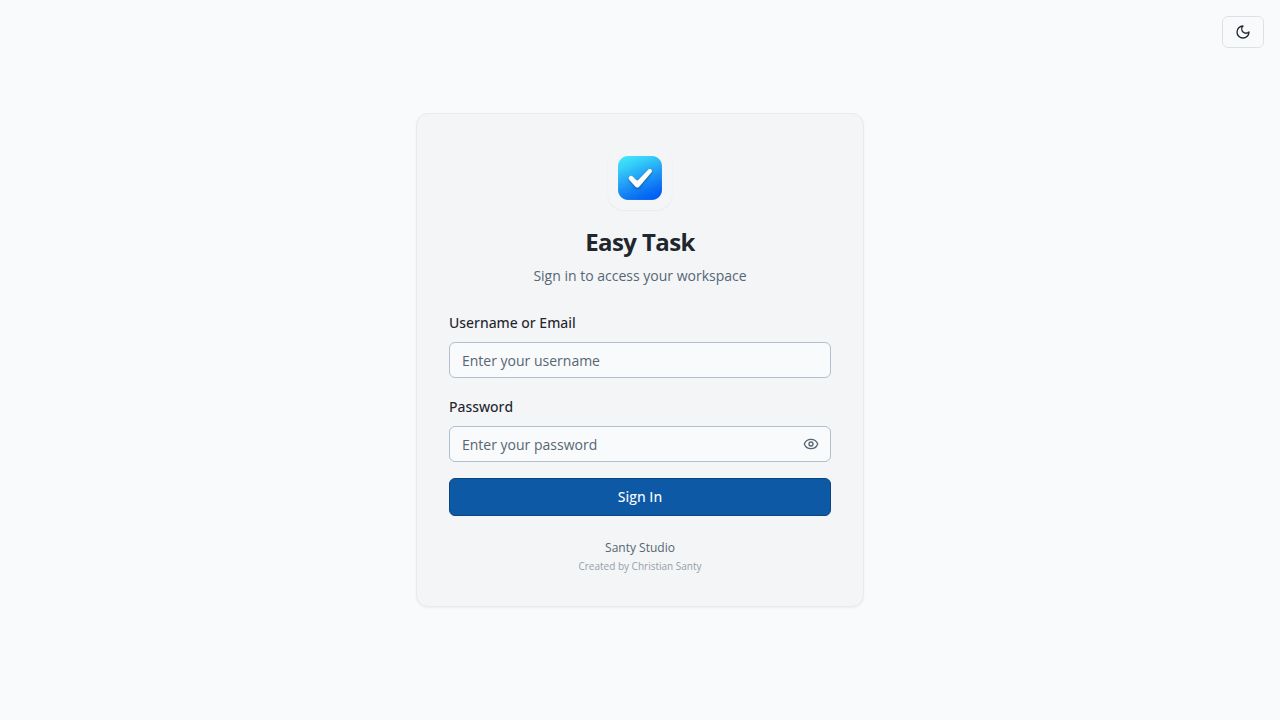
Individual login for each team member. Admin role sees everything and configures the app; User role sees only their own tasks, meetings and notes.
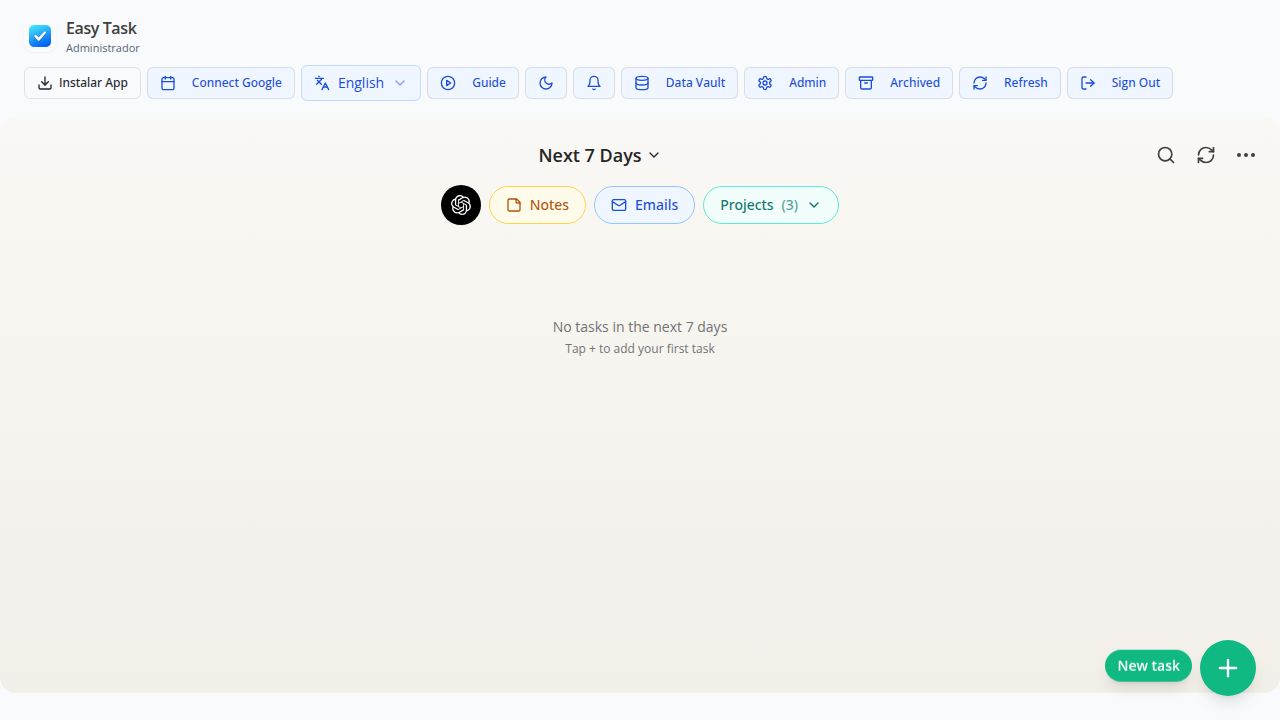
Dashboard with AI, projects and integrated email
The main workspace concentrates the AI assistant, your Notes, Gmail Assistant, and Projects — all one click away from the top bar.
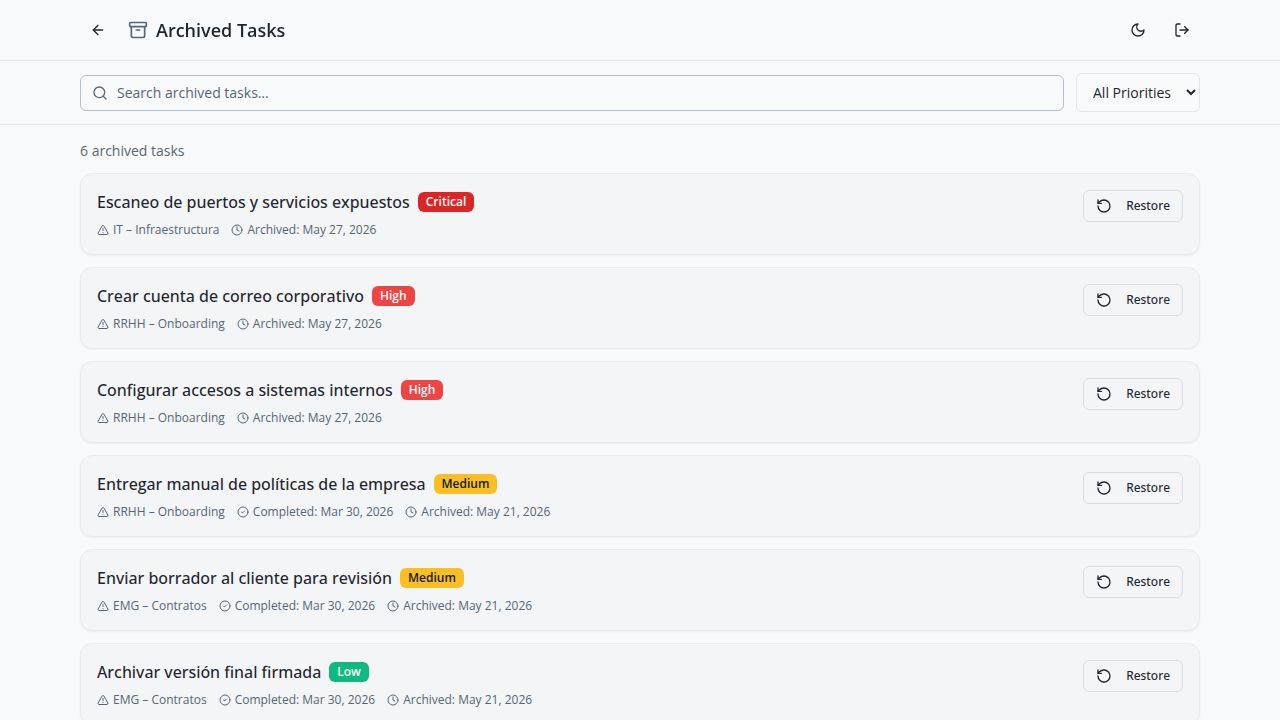
Real tasks with priorities and projects
Each task shows its priority (Critical, High, Medium, Low), its project and dates. Auto-archive moves them automatically after 30 days completed.
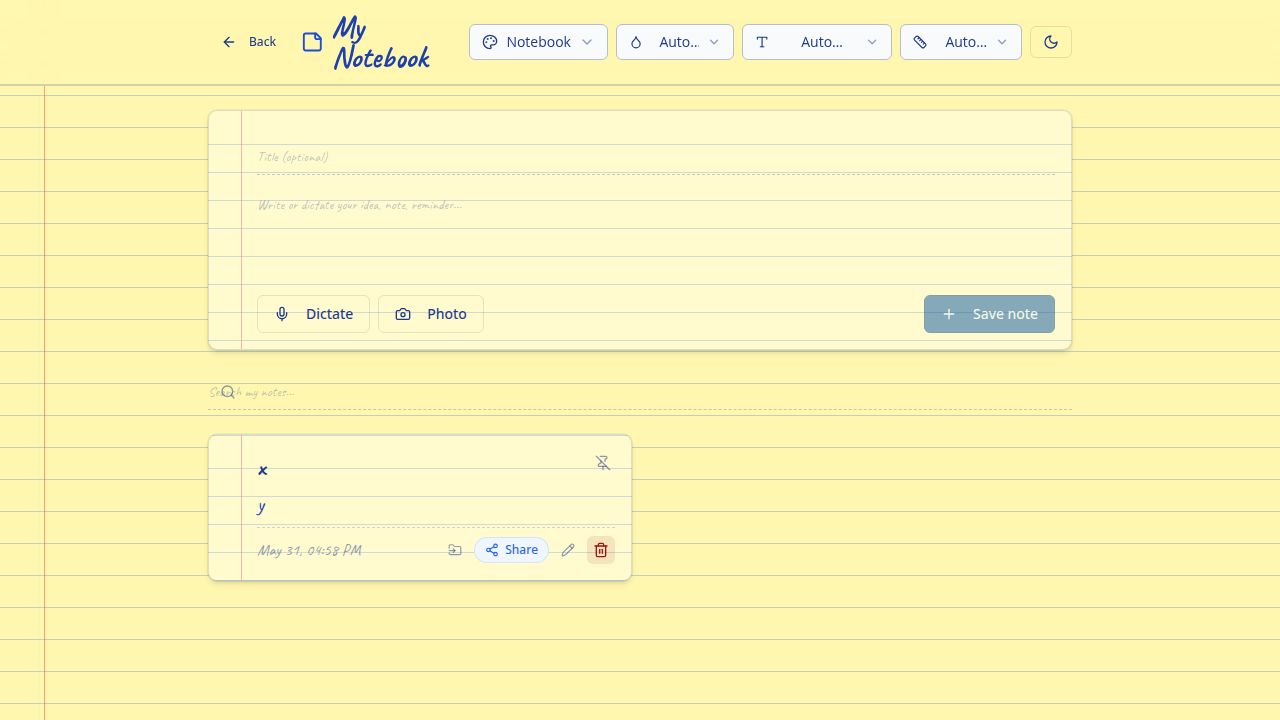
My Notebook — notes by voice, text and camera
Write ideas, dictate by voice (Whisper AI) or take a photo and OCR extracts text automatically. Notebook style with yellow paper, instant search and one-tap sharing.
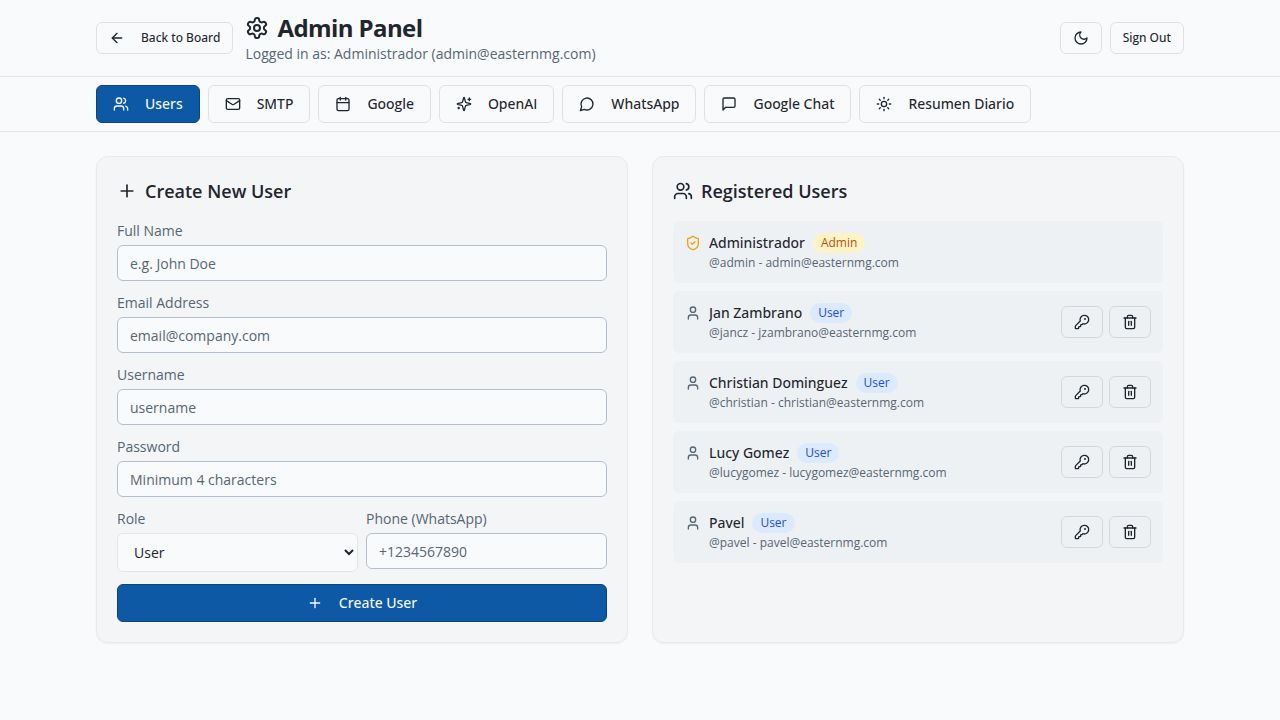
Complete administration panel
The administrator manages users, configures SMTP, Google Calendar/OAuth, OpenAI (AI), WhatsApp Business, and the spoken Daily Briefing — all from one panel.
Ready to get started?
Sign in with your team account and start managing tasks with AI in minutes.
Access the app →